Import
Import documents into MongoDB collections from JSON, CSV, and other file formats.
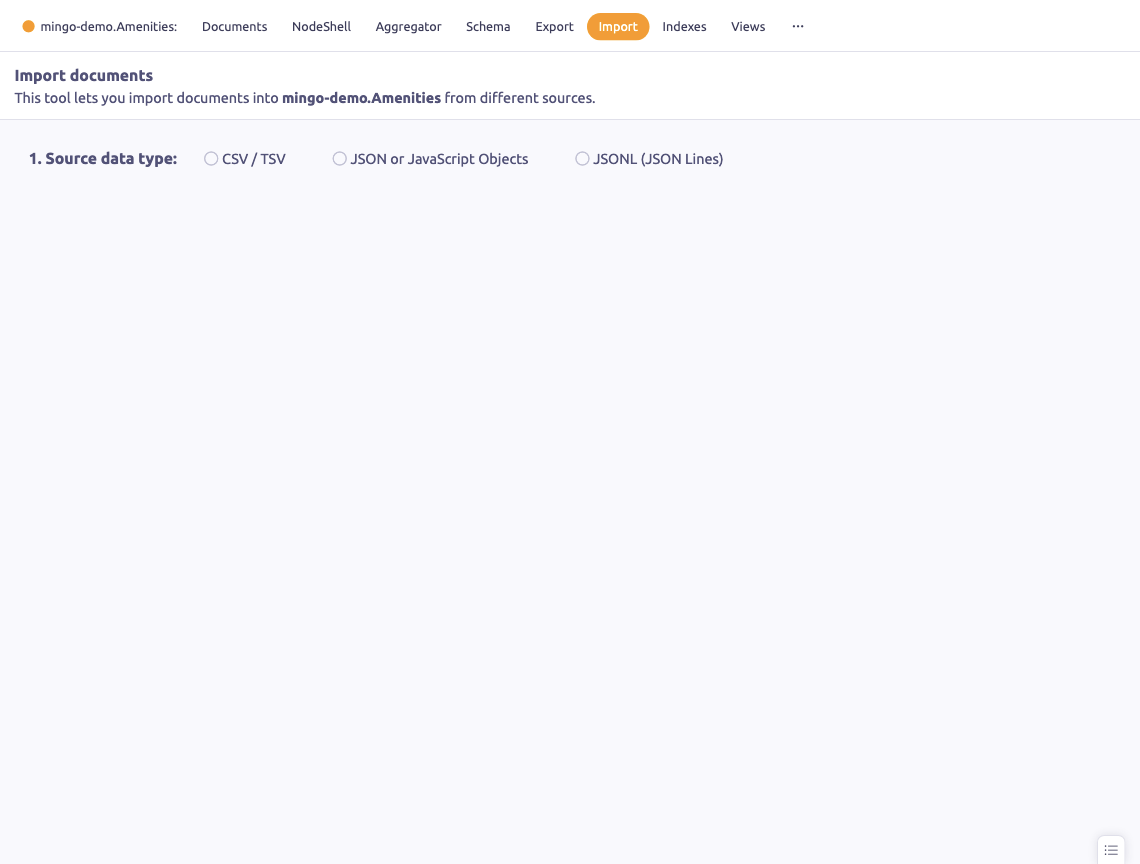
The Import section lets you import documents into a collection from various file formats.
Supported Formats
- CSV / TSV — comma or tab-separated values with header row
- JSON — standard JSON array of documents
- JavaScript Objects — JavaScript object notation
- JSONL (JSON Lines) — one JSON document per line
Import Sources
From File
Click Choose File to select a file from your filesystem. Mingo auto-detects the format based on the file extension.
From Clipboard
Paste document data directly from your clipboard. This is useful for quick imports of small datasets.
CSV Options
When importing CSV, customize:
- Delimiter — column separator character
- Headers — use first row as field names
- CamelCase conversion — convert header names to camelCase
Document Definition
Write a JavaScript function to transform each CSV row into a MongoDB document. This gives you full control over how CSV data maps to your document structure.
Import history saves your previously used transformation scripts for reuse.
Auto-Typing
Mingo automatically converts values during import:
- Number-looking strings become numbers
true/falsebecome booleans
Upsert Support
Choose between insert (add new documents) or upsert (insert or update) mode. When using upsert, configure the pairing field used to match existing documents.
Sample Preview
Preview the documents before importing to verify the data looks correct.
Import Summary
After import, a summary shows the count of inserted, failed, and skipped documents.