Features
Dark Mode
Switch between light and dark themes in Mingo.
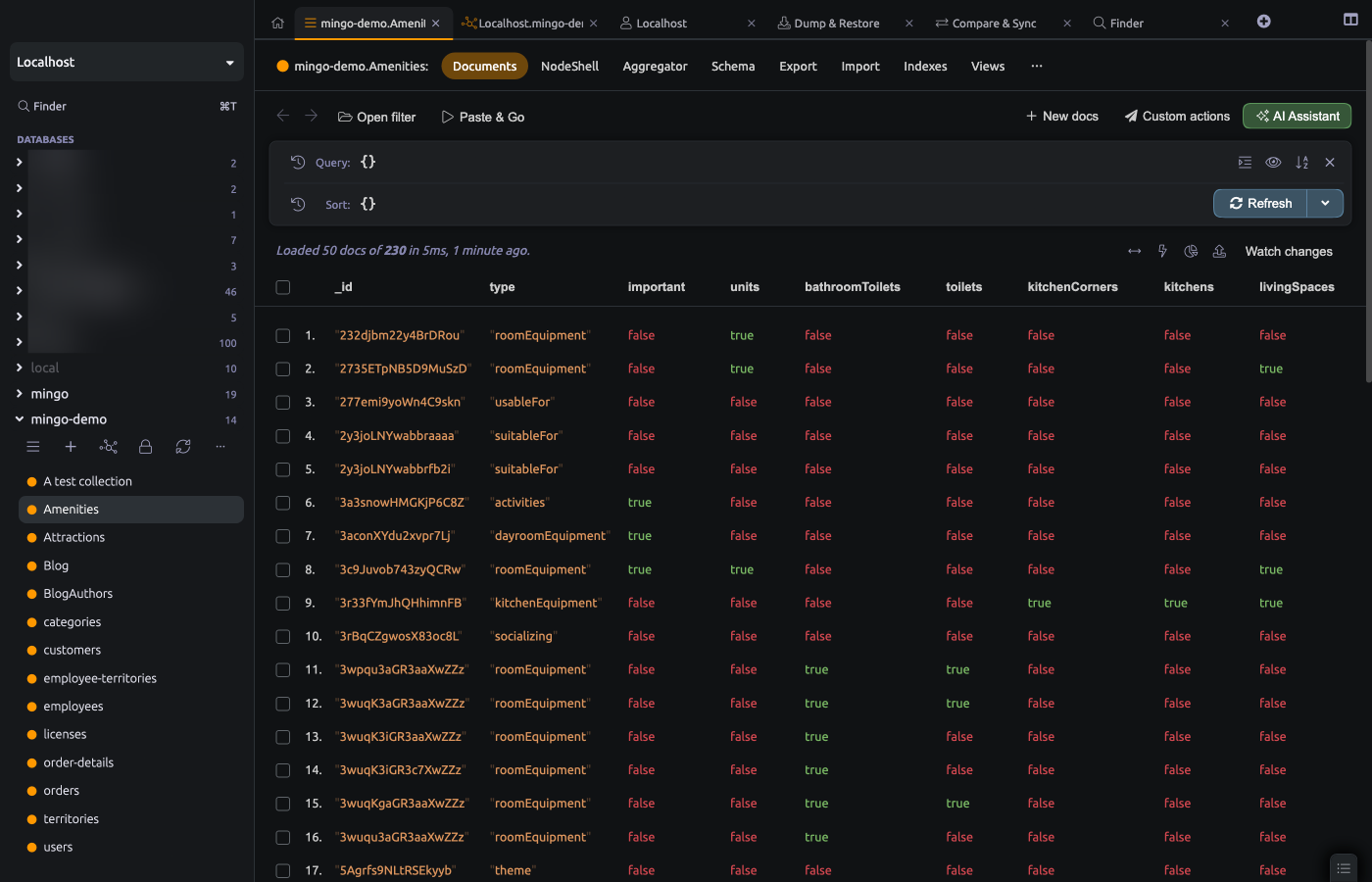
Mingo supports both light and dark themes for comfortable use in any environment.
Switching Themes
Toggle between light and dark mode in Settings. The change applies immediately across all windows and tabs.
Appearance
Dark mode applies a dark background with light text throughout the entire interface, including:
- Sidebar and navigation
- Document browser and editors
- Aggregation pipeline builder
- Charts and monitoring views
- Modals and dialogs
- Context menus
All features work identically in both themes.