Features
Activity Log
Track all database operations performed through Mingo with the Activity Log.
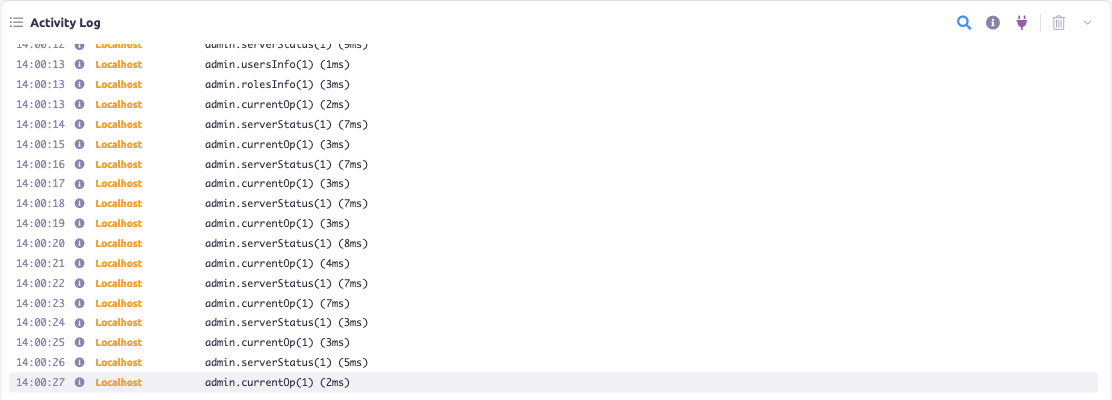
The Activity Log records operations performed through Mingo, giving you visibility into what's happening across your connections.
Event Types
The Activity Log tracks several types of events:
- Query — read operations and searches
- Mutation — insert, update, and delete operations
- Error — failed operations
- Warning — potential issues
- Info — general information
- Connection — connection events
Each entry shows the event type, timestamp, and details. Entries are color-coded by connection for easy identification.
Viewing the Log
The Activity Log can be minimized to show only a badge with the count of recent events, or expanded to show the full log. It auto-scrolls to the newest entries as they arrive.
Filtering
Filter the log by:
- Connection — focus on a specific connection (supports multiple connections)
- Event type — show only queries, mutations, errors, etc.
Managing the Log
- Clear — clear the entire activity log history
- Expand / Minimize — toggle between full view and compact badge