AI Assistant
Use Mingo's AI assistant to generate MongoDB queries, explain aggregation pipelines, and get help with your data.
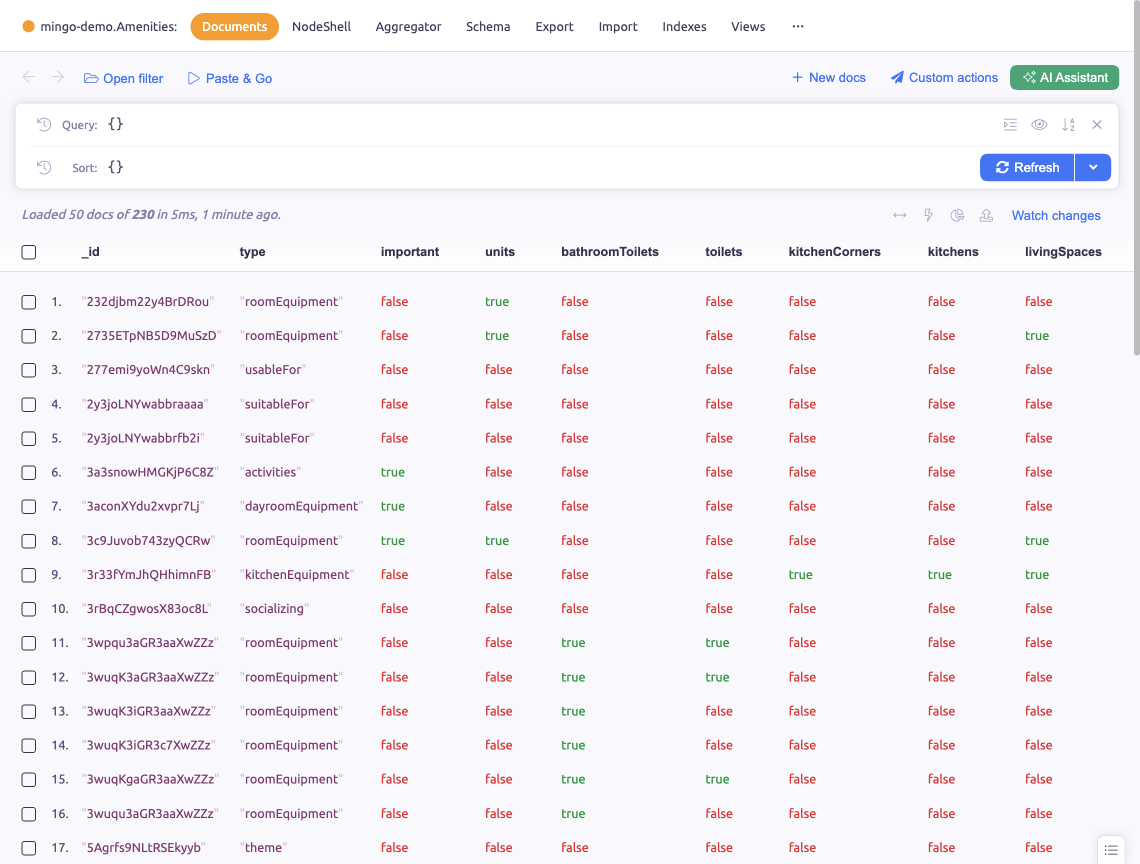
Mingo includes an AI assistant that helps you work with your MongoDB data. It can generate queries, explain pipelines, and suggest solutions.
Setup (BYOK)
The AI assistant uses a Bring Your Own Key (BYOK) model — you provide your own API key from a supported provider. Keys are stored locally on your device and never sent to Mingo's servers.
Supported Providers
- OpenAI — GPT models
- Anthropic — Claude models
- Google — Gemini models
- xAI — Grok models
Configure your API key in Settings > AI Assistant. Select your preferred provider and model.
Features
Query Generation
Describe what you want to find in natural language, and the AI generates the MongoDB query for you. For example:
- "Find all users who signed up this month"
- "Show orders with total over $100 sorted by date"
- "Count documents by status field"
Auto-Apply
Enable Auto-apply to have generated queries automatically applied to the query input. Otherwise, you can review, copy, and apply them manually.
Pipeline Generation
In the Aggregator, ask the AI to build aggregation pipelines for complex transformations:
- "Group sales by month and calculate totals"
- "Join orders with users and get the top 10 customers"
Query Explanation
Paste an existing query or pipeline and ask the AI to explain what it does.
Context Awareness
The AI assistant is aware of your current collection's schema and available collections in the database, making its suggestions more accurate and relevant to your actual data structure.
Conversation History
The AI maintains conversation context so you can refine queries iteratively — "now add a sort by date" or "limit to the last 30 days".
Quick Suggestions
Start with pre-built suggestions for common tasks to quickly explore what the AI can do.