User Management
Manage MongoDB users, roles, and passwords through Mingo's user management interface.
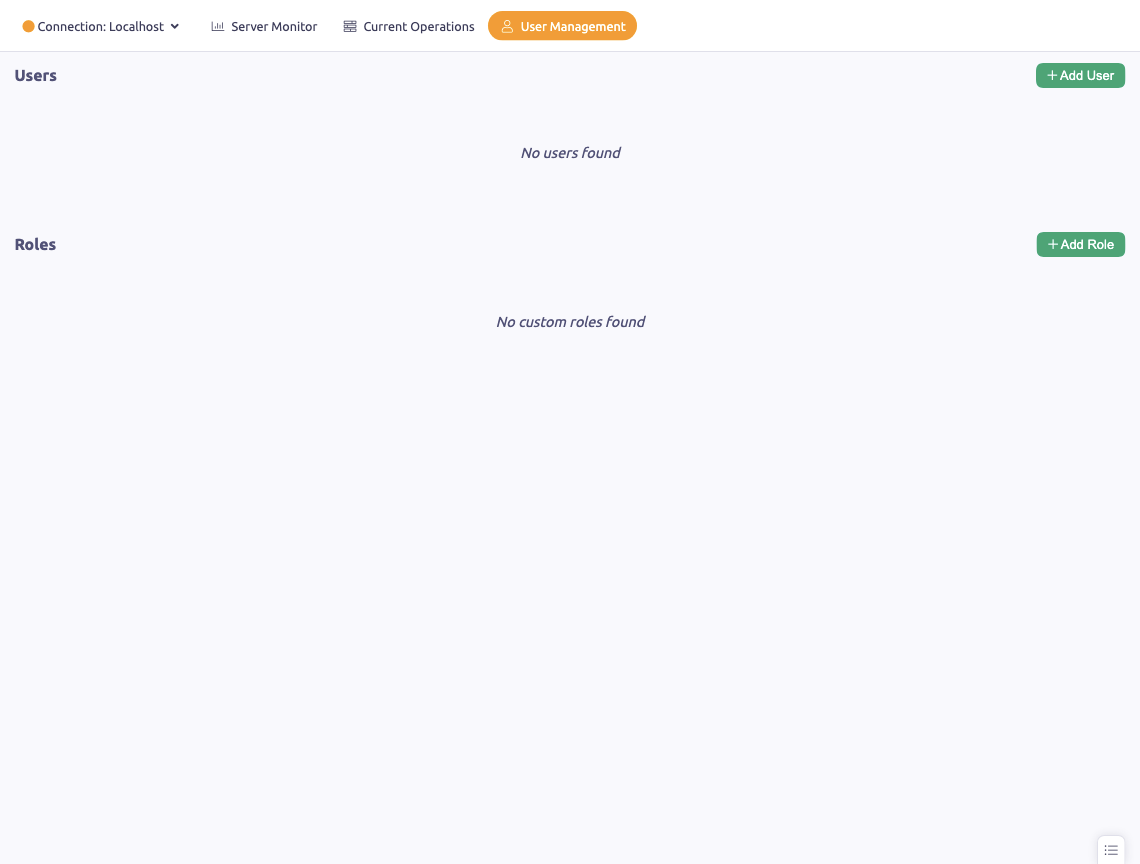
The User Management section lets you manage MongoDB users and their access rights directly from Mingo.
Users
User List
All database users are displayed with their username, assigned roles, and authentication database. The list auto-refreshes every 30 seconds.
Creating Users
Click Create User to add a new MongoDB user:
- Enter a username
- Set a password
- Assign one or more roles (e.g.
readWrite,dbAdmin,root) - Select the database each role applies to
Editing Users
Click a user to update their roles or reset their password.
Deleting Users
Right-click a user and select Delete to remove them.
Roles
Role Management
View all roles available on the server. Mingo shows both built-in and custom roles with their privileges and inherited roles.
Creating Custom Roles
Create custom roles with specific privileges tailored to your application's needs.
Duplicating Roles
Duplicate an existing role as a starting point for a new one.
Built-in Roles
MongoDB provides built-in roles including:
- read / readWrite — basic data access
- dbAdmin / dbOwner — database administration
- userAdmin — user management
- clusterAdmin / clusterMonitor — cluster operations
- root — superuser access