Current Operations
View and manage active queries and operations running on your MongoDB server.
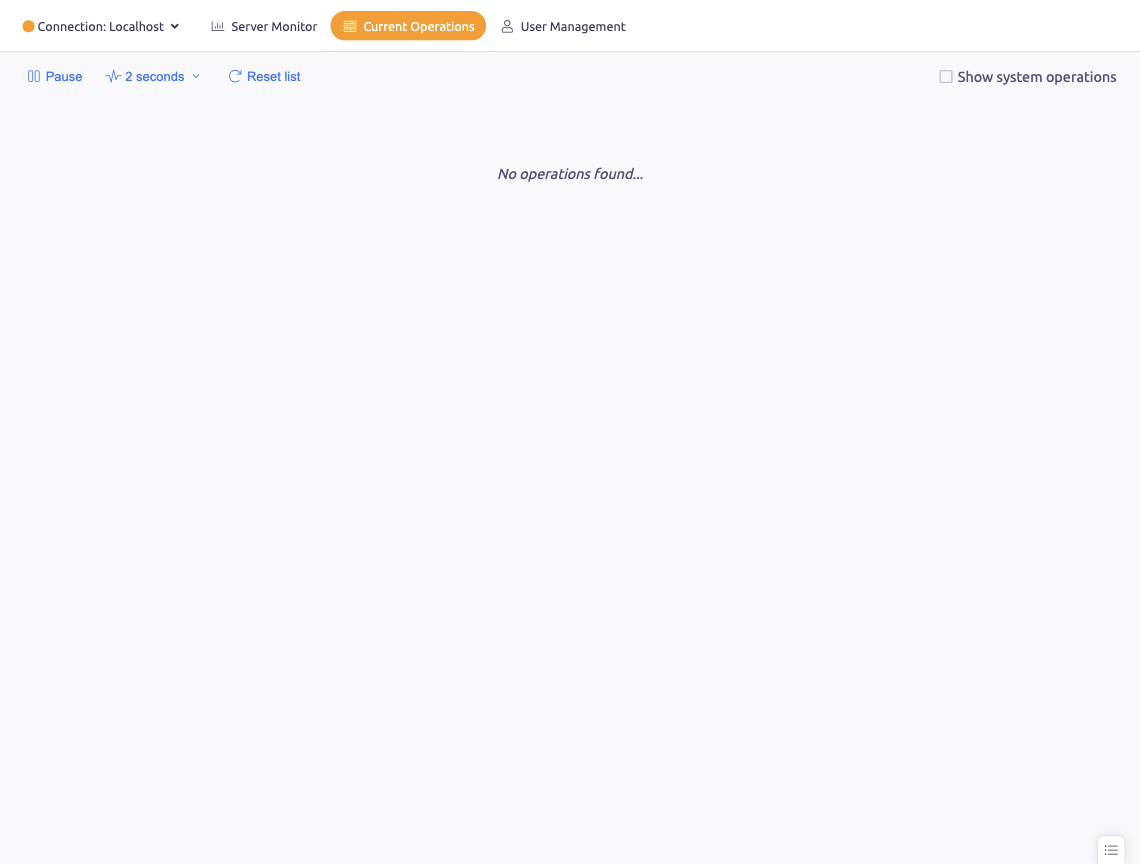
The Current Operations section shows all active operations running on your MongoDB server, giving you visibility into what's happening in real time.
Operations List
Each operation displays:
- Operation ID — unique identifier
- Operation type — query, insert, update, delete, command, etc.
- Namespace — the database and collection being operated on
- Duration — how long the operation has been running
- Client — the client IP and connection details
- Command — the operation's query or command
Long-running operations (over 5 seconds) are highlighted for attention.
System Operations
Toggle Show system operations to include or exclude MongoDB's internal operations (like replication and indexing).
Pause / Resume
Pause monitoring to examine the current operation list without it refreshing. Resume to continue live tracking.
Killing Operations
If a query is running too long or consuming too many resources, you can kill it directly from the operations list. Right-click an operation and select Kill to terminate it.
Update Frequency
Adjust the polling interval to control how often the operations list refreshes.