Tools
Compare & Sync
Compare collections across databases and synchronize differences with Mingo's Compare & Sync tool.
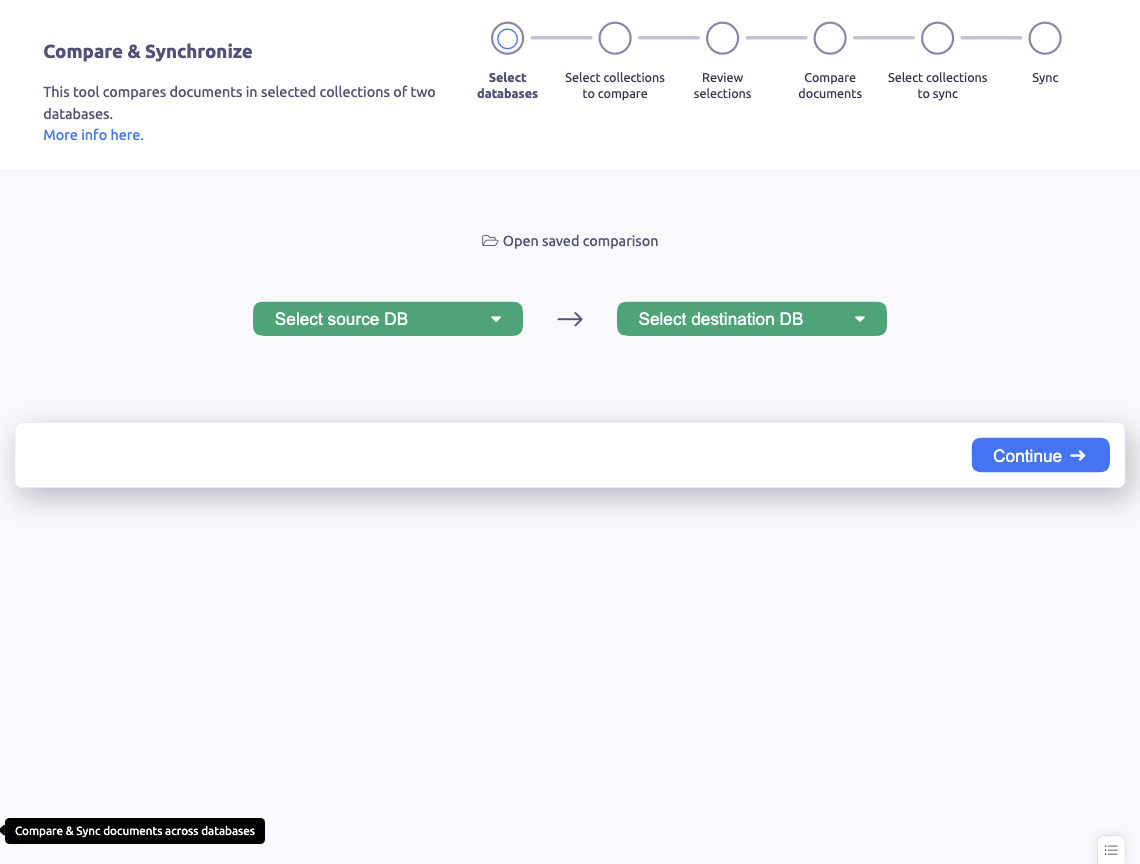
Compare & Sync lets you compare the contents of two collections — even across different servers — and synchronize the differences.
Starting a Comparison
Open Compare & Sync from the sidebar tools section or from a collection's context menu:
- Select the source collection (connection, database, and collection)
- Select the target collection (can be on a different server)
- Click Compare
Comparison Results
The comparison shows:
- Documents only in source — exist in source but not in target
- Documents only in target — exist in target but not in source
- Different documents — exist in both but have different field values
- Identical documents — matching documents (optionally hidden)
Documents are compared by their _id field by default.
Synchronizing
After reviewing the differences, select which changes to apply:
- Copy to target — insert missing or update different documents in the target
- Copy to source — insert missing or update different documents in the source
- Delete from target — remove documents that don't exist in the source
The sync wizard guides you through the process with a preview of all changes before they are applied.
Use Cases
- Keeping development and staging databases in sync
- Verifying data migrations
- Comparing data across replica set members
- Auditing data changes between environments