Connections
Create, update, refresh, and delete MongoDB connections in Mingo, including SSH tunnel and TLS support.
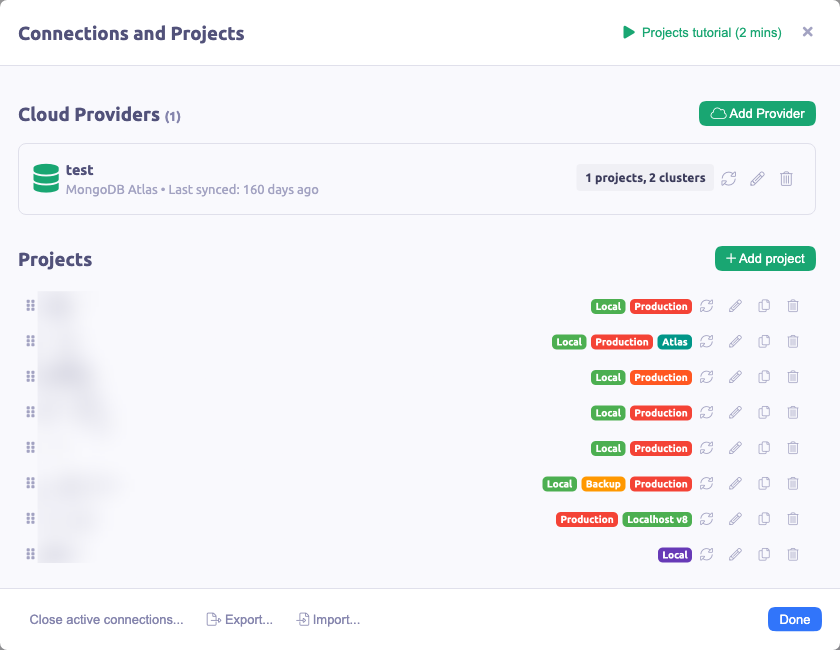
A connection represents a link to a MongoDB server. Each connection gets its own workspace with a separate sidebar and tab set.
Creating a Connection
Open the workspace selector in the top left and choose Add new connection / Project, then select Create a connection.
Color
Pick a color representing the connection throughout Mingo's interface. The color appears in collections, tabs, and other UI elements, making it easy to distinguish between connections at a glance.
Name
A short descriptive name for the connection (for example "Localhost", "Production", "Staging").
Favicon
An optional visual identifier using either an image URL or a Font Awesome icon class (e.g. fal fa-home). The favicon appears in the workspace selector and sidebar.
MongoDB URI
The connection string in standard or SRV format. For sharded clusters, include all sharded connections separated by a comma.
Examples:
mongodb://localhost:27017mongodb+srv://user:pass@cluster.example.commongodb://user:pass@host1:27017,host2:27017,host3:27017/mydb?replicaSet=rs0
SSH Tunnel
When your MongoDB server is behind a firewall or only accessible via an SSH jump host, enable SSH tunnel support. You need to provide:
- Host and Port of the SSH server
- Username for SSH authentication
- Password or Private key (not both)
There is an option to automatically detect private key paths from your ~/.ssh/ directory.
TLS / SSL
Enable TLS for encrypted connections. You can provide custom CA certificates, client certificates, and keys for mutual TLS authentication.
Updating a Connection
Click the workspace selector and the pencil icon next to the desired connection to open the connection editor.
Refreshing Connections
Mingo automatically monitors connections for changes, but manual refresh is available via the workspace selector's Refresh option.
Deleting a Connection
Click the pencil icon next to the connection, then select Delete connection at the bottom of the modal. Deleting a connection from Mingo will not delete any data from the server.